
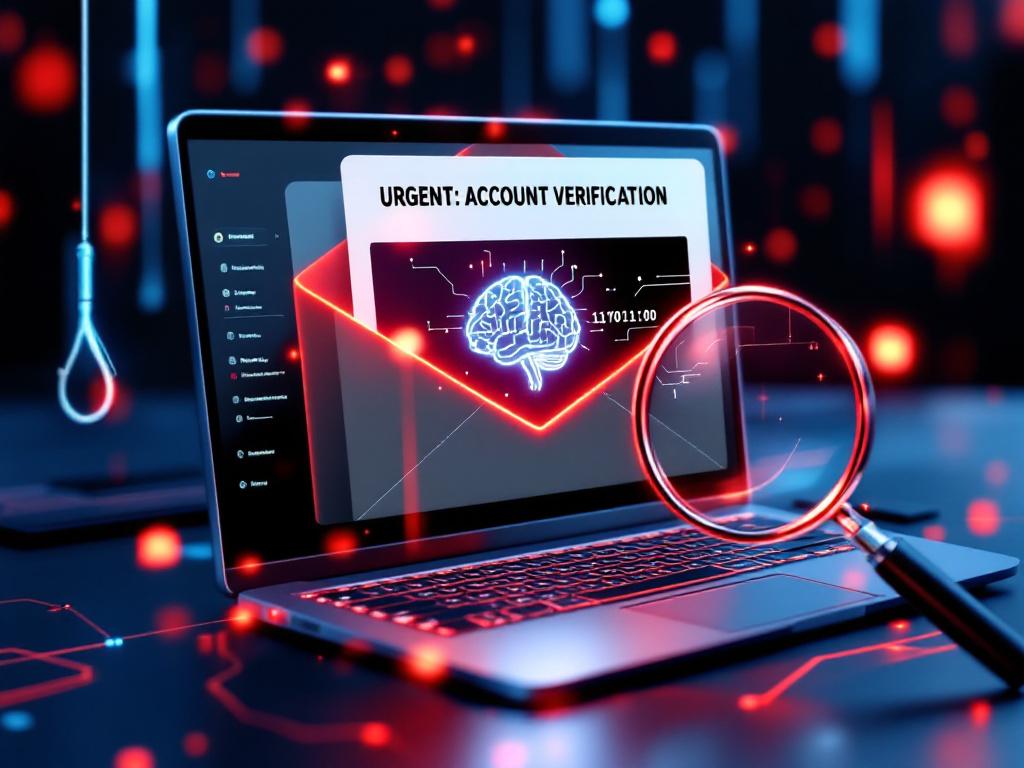
Phishing is one of the most common and effective cyberattacks today. It does not rely on technical vulnerabilities—it targets people.
In everyday business communication, phishing emails often look normal. They appear to come from colleagues, partners, or well-known services. Under time pressure, employees click links, open attachments, or enter login data without thinking twice.
The goal of phishing is simple: to gain access to sensitive information.
In this article, you will learn how to recognize phishing attempts in real business situations—and how to respond correctly without slowing down your workflow.
Why Phishing Works So Well
Phishing is successful because it uses psychology, not technology.
Attackers create messages that trigger:
- urgency (“Action required now”)
- trust (known names or companies)
- curiosity (unexpected documents or links)
In a busy work environment, people focus on getting things done quickly. They do not analyze every message in detail.
That is exactly what attackers rely on.
Phishing is not about “fooling beginners”. It works because even experienced employees can make quick decisions under pressure.
Step 1: Check the Sender Carefully
The first step is always to look at the sender.
Phishing emails often use addresses that look almost correct:
- small spelling changes
- extra letters
- different domains
For example:
- support@company-secure.com instead of support@company.com
- ceo-company@gmail.com instead of an official domain
Do not rely only on the display name. Always check the full email address.
If something feels slightly off, take a closer look.
Step 2: Look for Unusual Requests
Phishing messages often ask for actions that are not typical in normal workflows.
Examples include:
- requests for login credentials
- urgent payment instructions
- unexpected file downloads
- requests to bypass normal processes
A common scenario:
“Please send this payment today, I am in a meeting.”
Even if the message looks like it comes from a manager, this is a strong warning sign.
Rule:
If the request creates pressure and breaks normal processes, verify it.
Step 3: Be Careful with Links
Links are one of the main tools in phishing attacks.
Before clicking:
- hover over the link (on desktop)
- check the actual URL
- look for strange domains or misspellings
Examples of suspicious links:
- login-company-secure.net
- microsoft-login-alert.co
Even if the page looks real, the URL may not be.
If in doubt:
- do not click the link
- open the official website manually
Step 4: Watch for Language and Tone
Phishing emails often contain small language inconsistencies.
Look for:
- unusual wording
- grammar mistakes
- generic greetings (“Dear user”)
- inconsistent tone
However, be careful:
Modern phishing attacks can be very well written, especially with the help of AI tools.
So language alone is not enough—but it can still be an additional signal.
Step 5: Verify Requests Through a Second Channel
If something feels unusual, do not respond directly to the message.
Instead:
- call the person
- send a new email (not a reply)
- confirm via internal communication tools
Example:
If you receive a payment request from a manager, confirm it through a known phone number or internal chat.
This simple step can prevent serious financial damage.
Step 6: Do Not Trust Attachments Automatically
Attachments can contain malware or hidden scripts.
Be especially careful with:
- unexpected invoices
- shipping notifications
- “important documents” you did not request
Even common file types can be risky:
- PDFs
- Word documents
- Excel files
If you are not expecting the file, do not open it immediately.
Instead:
- verify the sender
- check the context
- use security tools if available
Step 7: Create a Simple Internal Awareness Culture
Technology alone cannot stop phishing. Your team must be aware of the risks.
This does not require complex training.
Simple actions are enough:
- short internal guidelines
- real examples of phishing emails
- clear instructions: “When in doubt, ask”
The goal is not fear—it is awareness.
Employees should feel comfortable questioning unusual messages.
Conclusion
Phishing is not a rare threat—it is part of everyday business communication.
The good news:
You do not need complex systems to reduce the risk.
Simple habits make a big difference:
- checking senders carefully
- questioning unusual requests
- avoiding blind clicks on links and attachments
- verifying actions through a second channel
Most phishing attacks succeed because of small moments of inattention.
If your team learns to pause and verify, you remove one of the easiest entry points for attackers.
Cybersecurity starts with awareness—and phishing is the perfect place to begin.