

Most companies invest in cybersecurity tools, but still overlook one basic question:
Where can someone actually access the business?
Cybersecurity is not only about firewalls or antivirus software. It starts with understanding all entry points into your systems, data, and accounts.
Many attacks do not break in through complex vulnerabilities. They enter through weak or unmanaged access points—often unnoticed.
In this article, you will learn which access points every company should review and how to manage them in a structured and realistic way.
Why Access Points Are the Real Risk
Every company has more access points than expected.
These include:
- employee accounts
- email systems
- cloud platforms
- remote access tools
- third-party services
Over time, access grows:
- new tools are added
- employees change roles
- external partners get temporary access
Without regular review, no one has a complete overview.
This creates hidden risks. An attacker does not need to break your entire system—only one weak access point is enough.
Access Point 1: Email Accounts
Email is one of the most critical access points in any business.
Why?
Because many systems are connected to email accounts:
- password resets
- internal communication
- external contacts
If an email account is compromised, attackers can:
- reset passwords for other services
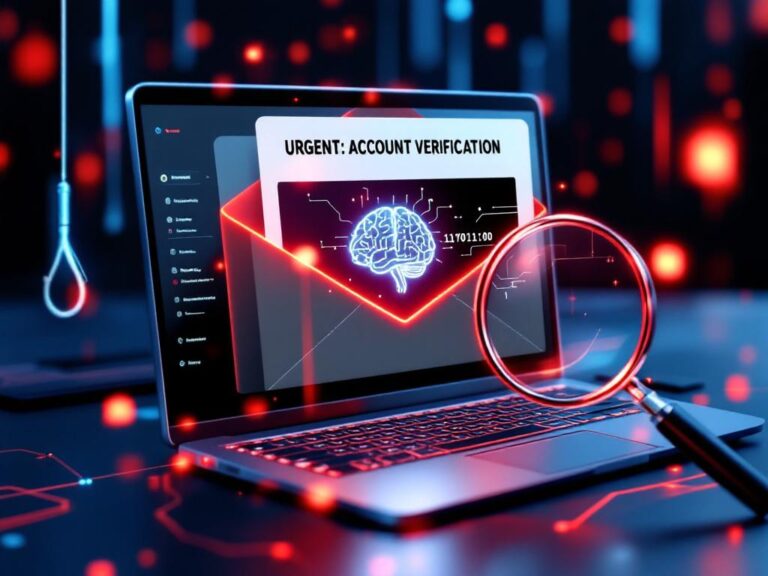
- send phishing emails from a trusted address
- access sensitive information
What to review:
- Is Multi-Factor Authentication (MFA) enabled?
- Who has admin access to email systems?
- Are old or unused accounts still active?
Email security is not optional—it is your first line of defense.
Access Point 2: Cloud Services and SaaS Tools
Most businesses rely on cloud platforms such as:
- file storage
- CRM systems
- project management tools
These systems often contain critical business data.
Common risks:
- shared accounts
- unclear access permissions
- inactive users still having access
What to review:
- Who has access to which tools?
- Are permissions aligned with roles?
- Are external users still active?
Access should always follow a simple rule:
Only the people who need access should have it—and nothing more.
Access Point 3: Remote Access (VPN, Remote Desktop, Tools)
Remote work has increased the number of external access points.
Typical examples:
- VPN connections
- Remote Desktop Protocol (RDP)
- remote support tools
These are high-risk entry points if not secured properly.
What to review:
- Is MFA enabled for remote access?
- Are access attempts monitored?
- Are old connections or devices still authorized?
Unsecured remote access is one of the fastest ways into a company network.
Access Point 4: Administrator Accounts
Admin accounts have the highest level of access—and the highest risk.
If compromised, they can:
- change system settings
- create new users
- disable security controls
Common problems:
- too many admin accounts
- shared admin credentials
- daily work done with admin rights
What to review:
- How many admin accounts exist?
- Are admin accounts used only when necessary?
- Are they protected with strong authentication?
Best practice:
Separate admin accounts from daily user accounts.
Access Point 5: Third-Party Access
External partners often need access to systems:
- IT providers
- consultants
- freelancers
This access is often forgotten after projects end.
Risks include:
- long-term unused access
- unclear permissions
- no monitoring
What to review:
- Which external parties have access?
- Is access still required?
- Are there expiration dates or controls?
Third-party access should never be permanent without review.
Access Point 6: Devices and Endpoints
Access is not only about accounts—it is also about devices.
Examples:
- laptops
- smartphones
- tablets
If a device is compromised, attackers may gain access to:
- saved passwords
- active sessions
- company data
What to review:
- Are devices protected with strong authentication?
- Are updates and security patches applied?
- Can lost or stolen devices be remotely secured?
Devices are often the bridge between users and systems.
Access Point 7: Identity and Password Management
At the core of all access points is identity.
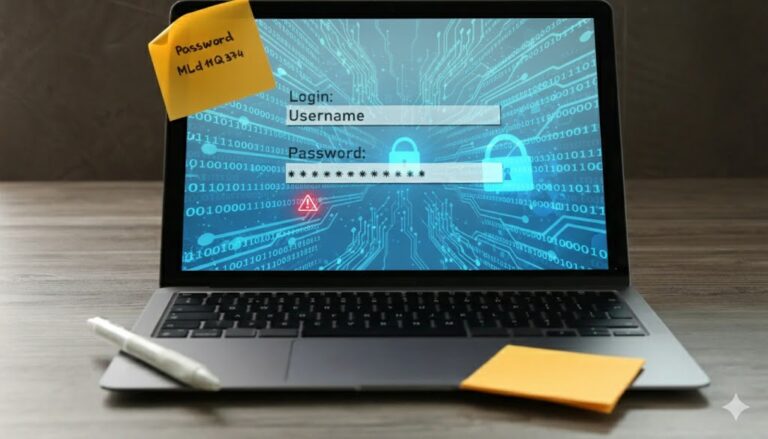
Weak password practices or unmanaged identities create system-wide risks.
Common issues:
- password reuse
- no password manager
- missing MFA
What to review:
- Are strong, unique passwords used?
- Is a password manager implemented?
- Is MFA consistently enforced?
Most cyberattacks start with compromised credentials—not technical exploits.
Conclusion
Cybersecurity becomes manageable when you focus on access.
You do not need to control everything at once.
You need to understand where access exists—and reduce unnecessary exposure.
Start with the most critical access points:
- email systems
- cloud services
- remote access
- admin accounts
- third-party access
- devices and identities
Small improvements in these areas can significantly reduce your risk.
Most attacks succeed because access is not controlled—not because systems are too weak.
If you review and structure your access points, you take control of one of the most important layers of your business security.